The rise of artificial intelligence has sparked a massive shift in how people make money online.
From AI-generated social media influencers earning thousands of dollars a month to faceless video channels pulling in millions of views, the landscape of online side hustles is changing rapidly.
If you are researching sustainable passive income ideas or looking for the best side hustles for stay-at-home moms, leveraging software leverage is the single biggest equalizer available today.
The best part? Many of the most powerful and revolutionary AI tools available right now are 100% free.
In this comprehensive guide, we’ll break down 15 free AI tools that creators and entrepreneurs are using to build highly profitable online businesses—and exactly how they are doing it.
Quick answer: You don’t need a paid software budget to start making money with AI. By combining free local generation engines (like Fooocus and Stable Diffusion), speech cloners (ElevenLabs, VEED), audio polishers (Adobe Podcast), and free design tiers (Canva, Microsoft Designer, Printify).
You can launch faceless media channels and print-on-demand brands with zero capital upfront.

Here’s what we’re covering:
The AI Influencer Revolution

AI-generated virtual influencers are no longer a concept from sci-fi—they are an active and highly lucrative industry.
For instance, Aitana, one of the world’s most famous AI influencers, is not a real person. Yet, her creators pull in nearly $11,000 a month from her social media presence.
If you want to capitalize on the virtual influencer trend, these tools will help you get started:
1. Fanvue
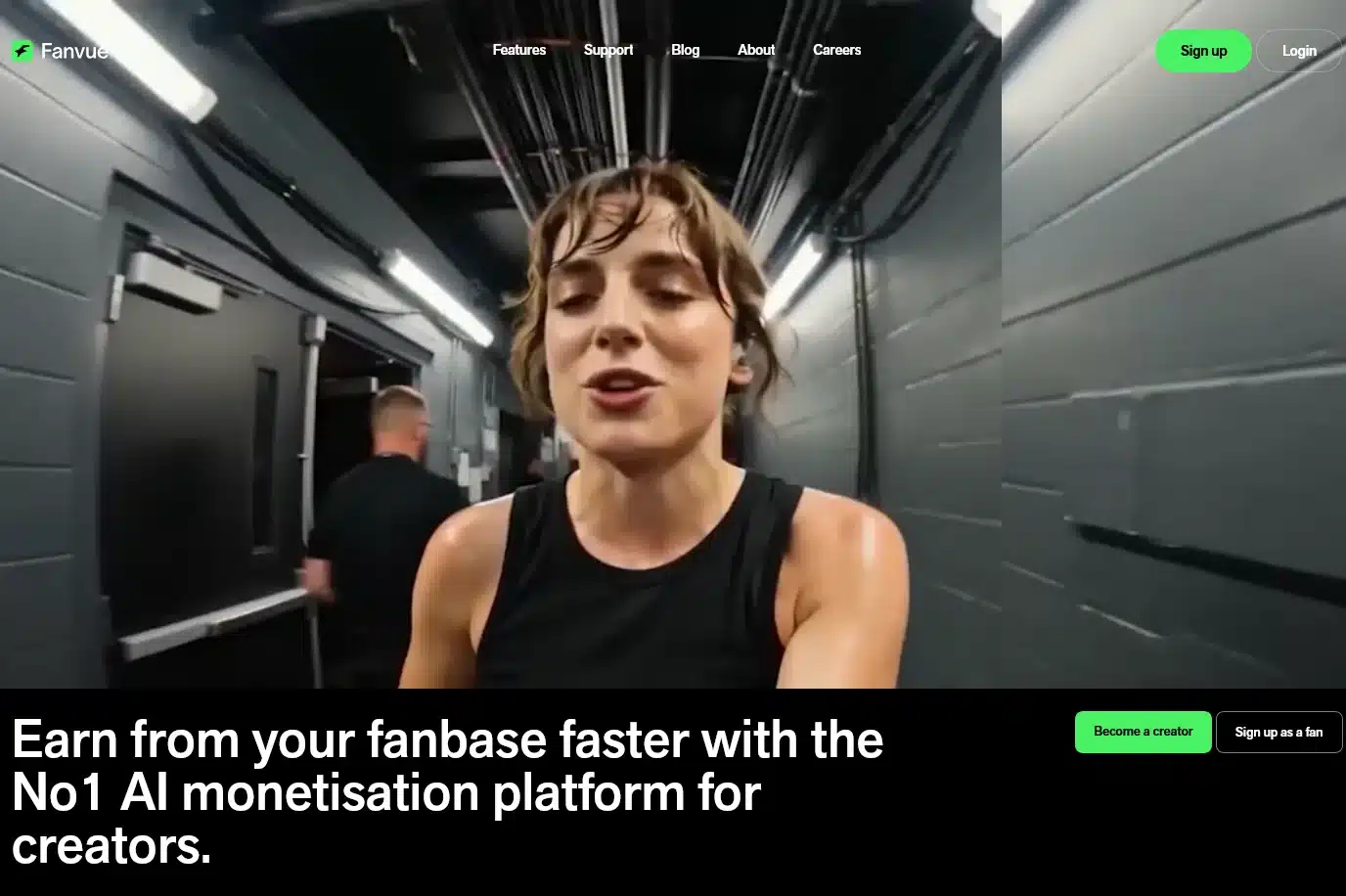
Best for: Monetizing virtual characters via paid membership tiers and automated AI messaging.
Unlike traditional social platforms, Fanvue allows creators of AI influencers to host exclusive content.
Subscribers pay a monthly fee (typically around $15/month) to access private photos and engage with the influencer. To make the experience interactive, Fanvue features:
- A built-in AI chatbot that can be trained to respond to followers in character.
- A voice AI bot that can leave personalized voice messages using cloned voices.
Joining is free for creators; the platform simply takes a commission cut from each sale.
2. Crush.chat

Best for: Direct-to-consumer conversational AI character hubs.
A strong alternative to Fanvue, Crush.chat works on a similar model.
It lets you register your AI influencer, upload private content, and leverage an AI-enhanced chatbot to chat directly with your audience while handling automated subscriber billing.
3. Fooocus
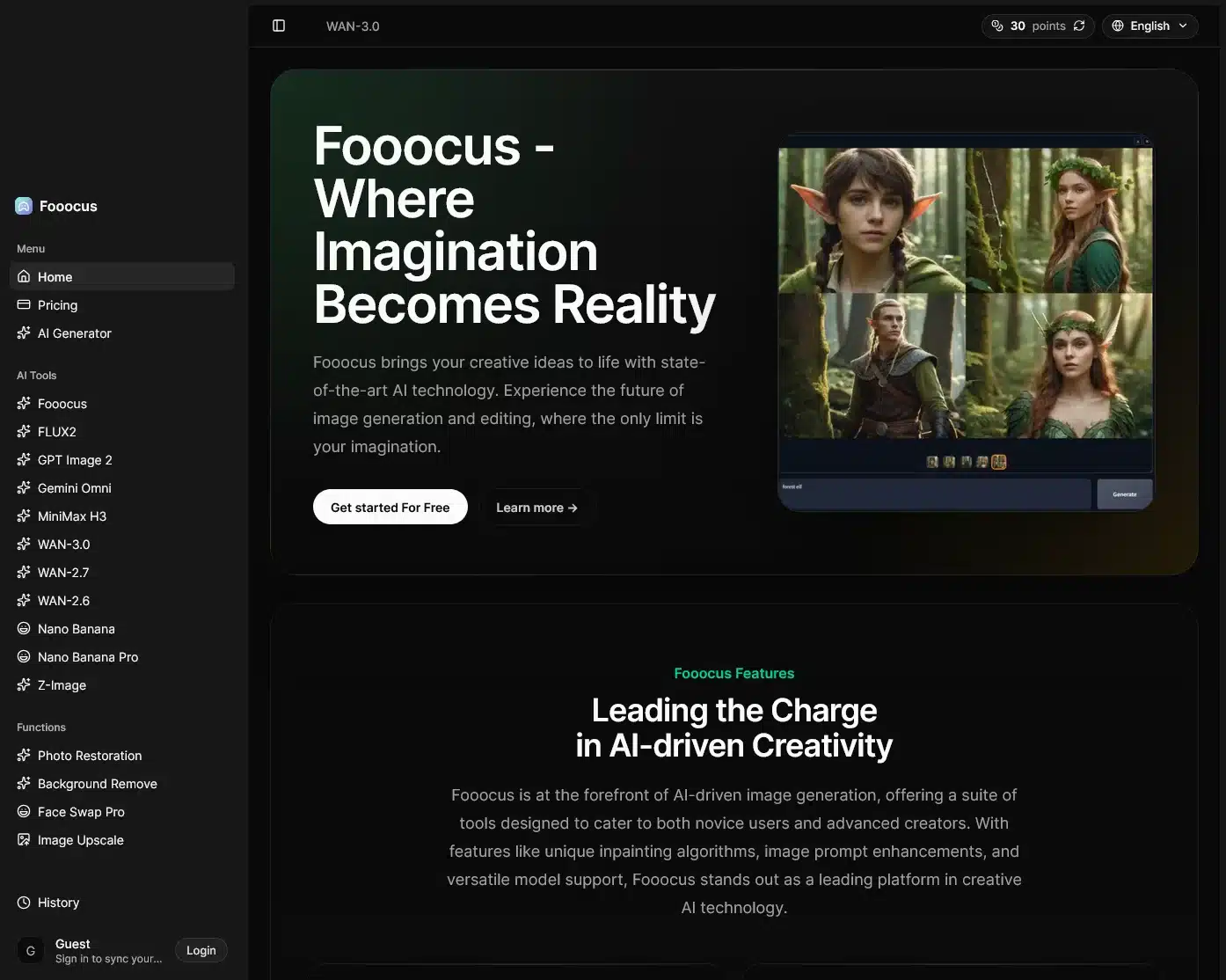
Best for: Free local image generation with consistent facial features.
To launch an AI influencer, you first need hyper-realistic photos. Fooocus is a free, open-source AI art generator designed specifically for this purpose.
- The secret to consistency: The major hurdle with AI characters is keeping their faces identical across different photos.
Fooocus solves this with its built-in Face Swap tool. You simply load your character’s base image, describe a new scene, and Fooocus generates the photo while perfectly maintaining the character’s facial structure. - How to get it: You can download the latest full version of Fooocus for free from Fooocus on GitHub, unzip the folder, and run the application. It runs locally using your internet browser as the interface.
Going Viral with AI Video & Animation
If you want to transition your AI influencer from photos to viral videos (or create highly engaging short-form content), deepfake and animation tools are your best bet.
Important compliance note: Always ensure you have explicit consent, clear synthetic content labeling, and full commercial usage rights for all face-swap, dance-template, and deepfake tools. Ad networks and major platforms require transparent disclosure of AI-modified likenesses.
4. Roop Unleashed
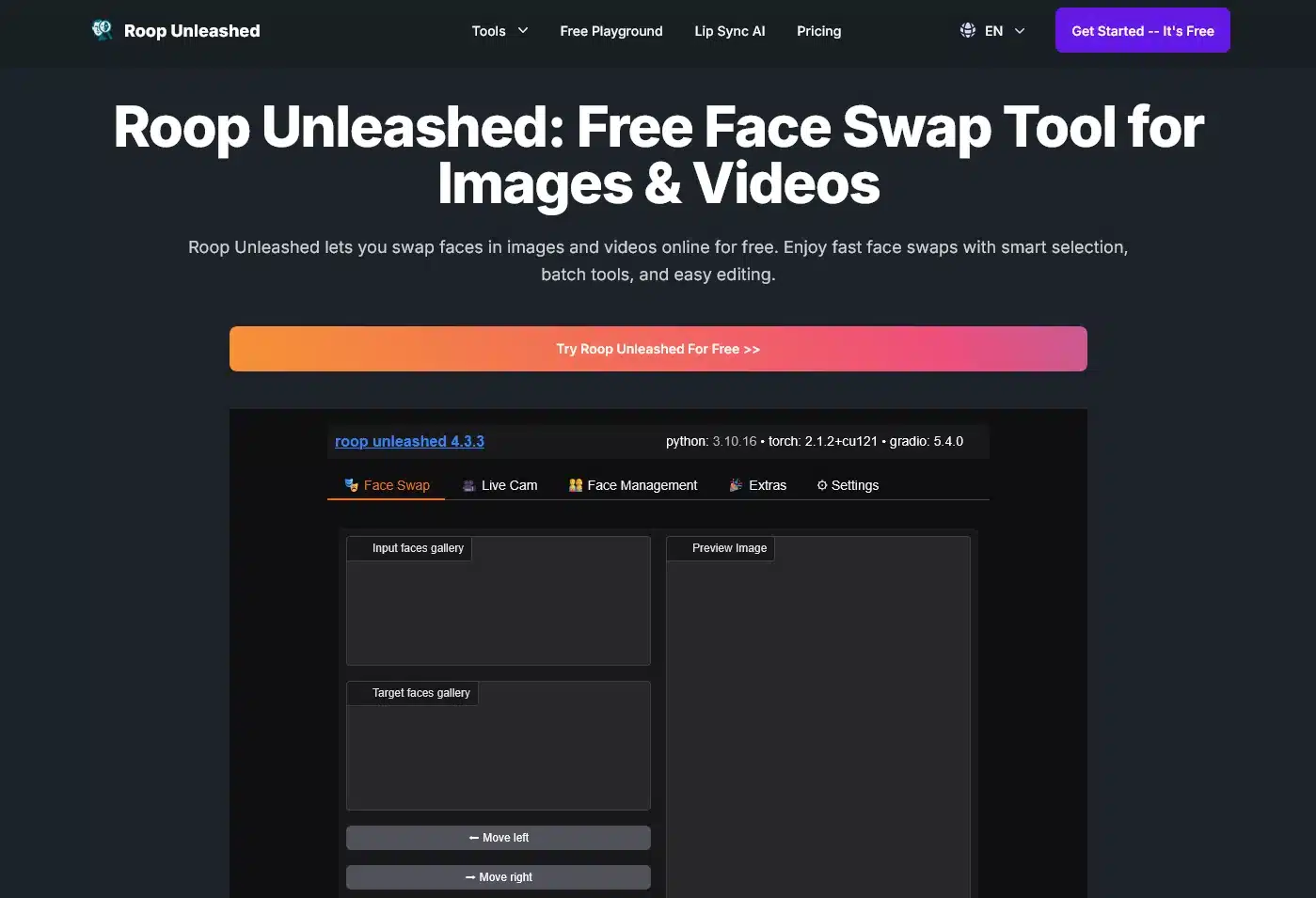
Best for: Desktop-based video motion face replacement.
Creating viral, high-energy videos of an AI influencer dancing or performing is a proven way to gain traction.
The virtual creator im_alice gained massive popularity using this strategy, with one dancing Reel clocking in at 1.3 million views.
Roop Unleashed is a free, open-source tool that handles character swapping:
- How it works: You upload a photo of your AI influencer and a target video (such as a royalty-free dancing video downloaded from sites like Pexels or Pixabay). Roop then replaces the face onto the dancer.
- Installation requirements: It requires Windows Visual Studio (with C++ development packages) to compile and launch locally in your browser. Use strictly with original or properly licensed footage.
5. Viggle
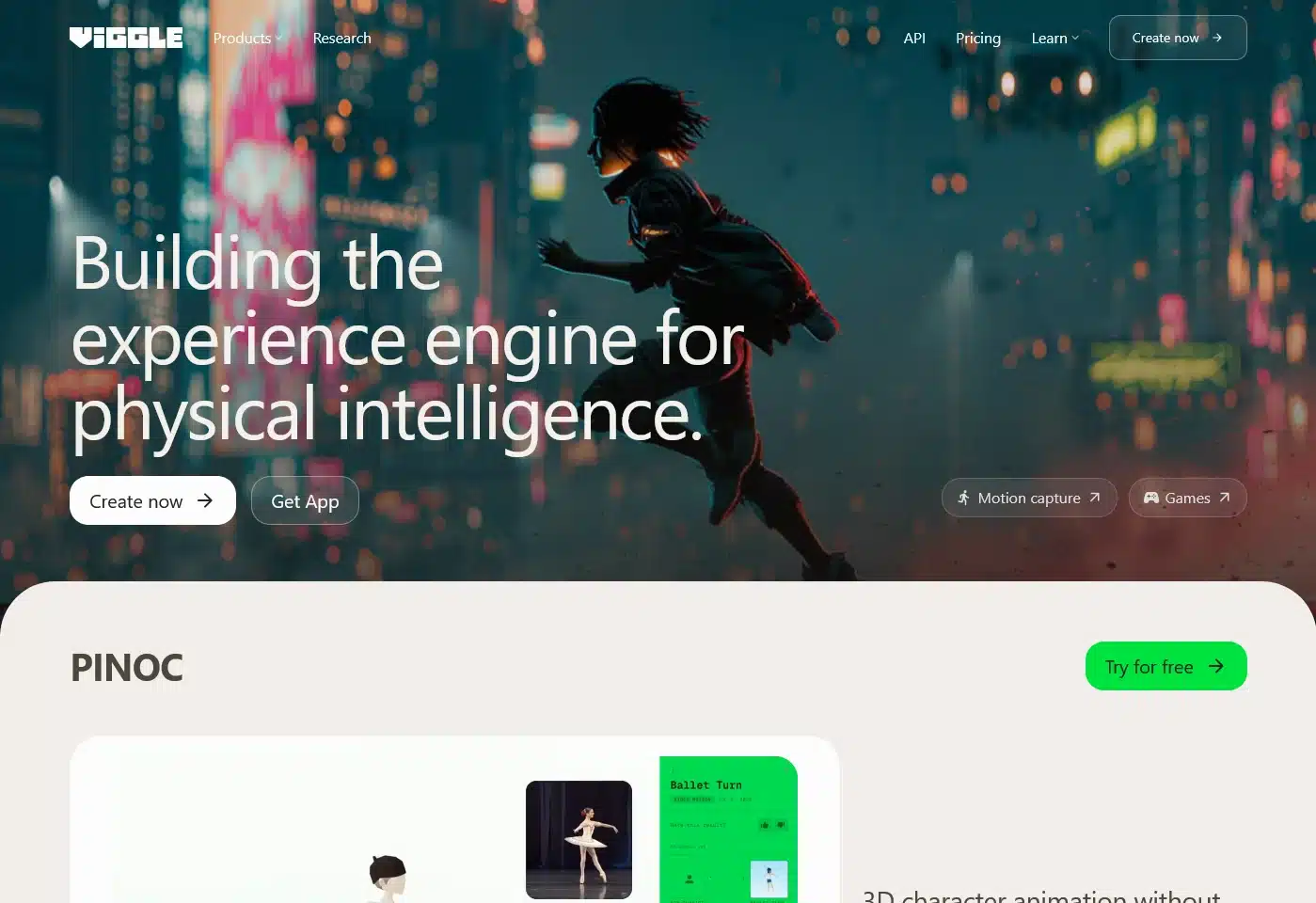
Best for: No-code character animation and viral Discord motion matching.
For an easier, no-code alternative to complex local installs, Viggle is a professional-grade AI video tool with generous free community access that runs directly through Discord:
- Go to the Viggle portal and choose a free motion or dance template, then copy its command code.
- Open the Viggle Discord server and head to an
#animatechannel. - Type
/animate, upload your character’s photo, paste the motion prompt code, and submit. - Within 10 to 15 minutes, Viggle generates a video of your character performing the motion.
Dominate with Faceless Video Channels

“Faceless” channels are one of the most profitable and scalable digital models today. If you want a complete roadmap on setup, learn how to start a faceless YouTube channel without buying expensive video equipment.
For example, a TikTok account creating simple nutritional and health videos with AI voiceovers and stock clips pulled in over 39 million views in 30 days.
Based on a conservative RPM of $0.50 per 1,000 views, that account generated an estimated $19,500 in a single month—over $651 per day!
On YouTube, storytelling channels use similar AI stacks to pull in over 1 million views a month.
At an RPM of $11 per 1,000 views (boosted by compiling multiple videos into 1-hour blocks to run mid-roll ads), that translates to roughly $11,000 a month.
To drive compounding traffic, mastering a simple Pinterest strategy for beginners can funnel thousands of extra daily viewers into your videos.
6. ElevenLabs AI Voice Changer
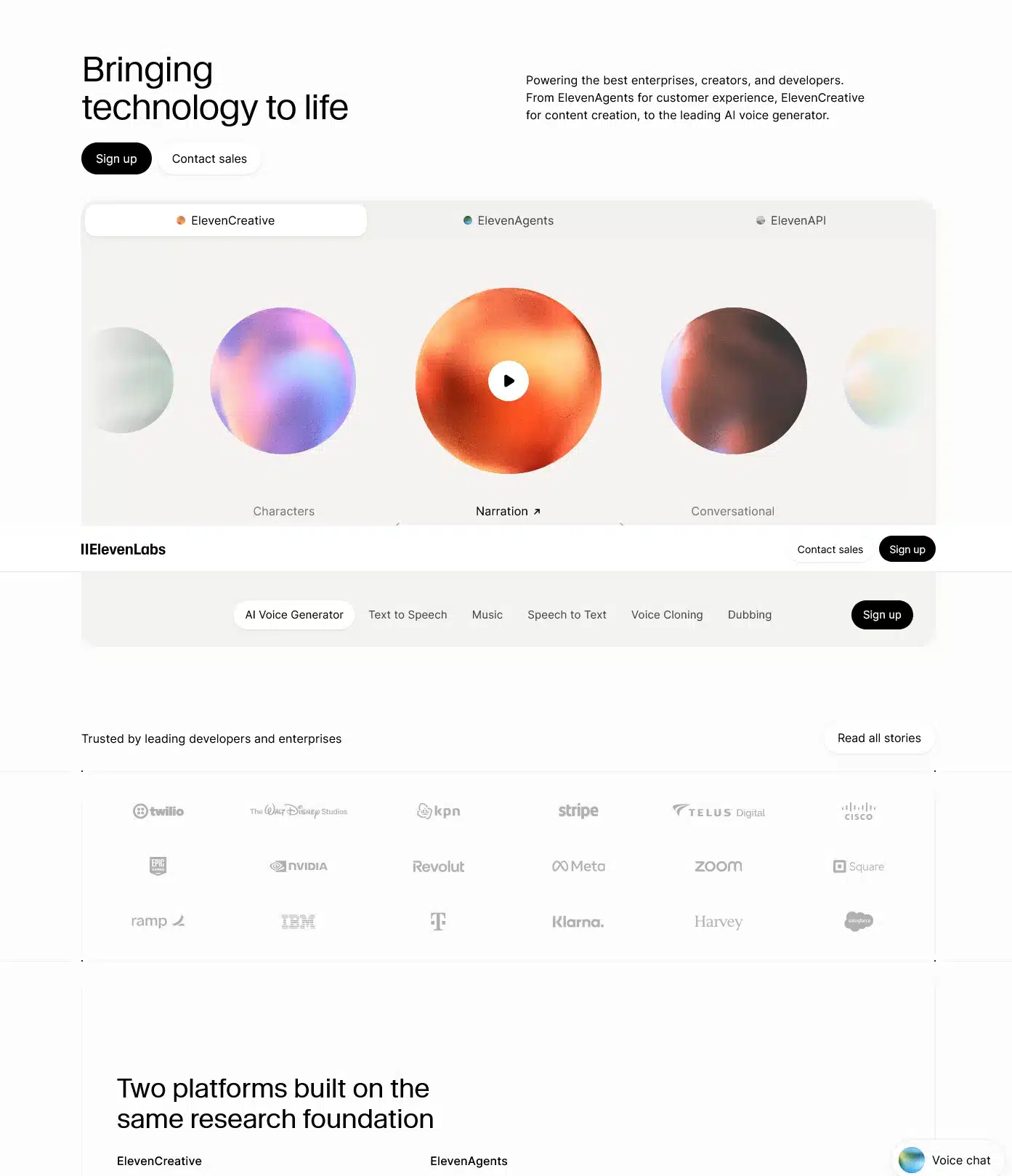
Best for: Hyper-realistic text-to-speech and expressive voice conversion.
Standard text-to-speech voices often sound robotic. ElevenLabs allows you to record your own voice reading a script, select a target voice and accent (like a deep documentary narrator or conversational British tone), and convert it
This provides nuanced control over pronunciation, pacing, and emotional inflection.
7. VEED Speech Cloning
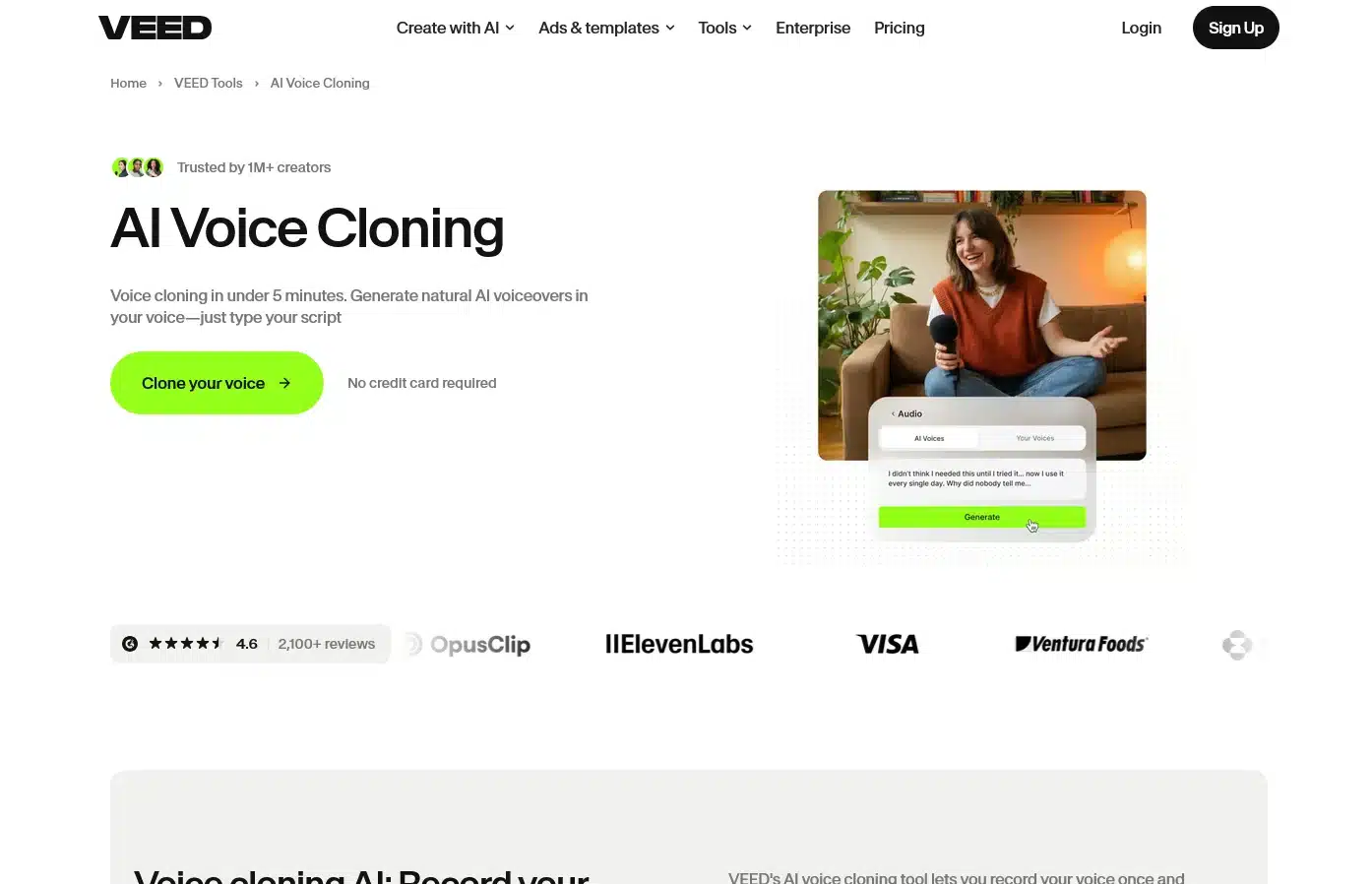
Best for: Rapid short-form video creation with built-in voice clone narration.
If you want an AI voice that sounds exactly like you without having to re-record voiceovers for every script, VEED includes a free speech cloning feature. Read short on-screen prompts to train the profile.
Free accounts receive 15 minutes of voice cloning per month, which easily powers multiple TikToks or YouTube Shorts.
8. Adobe Podcast Audio Enhancer
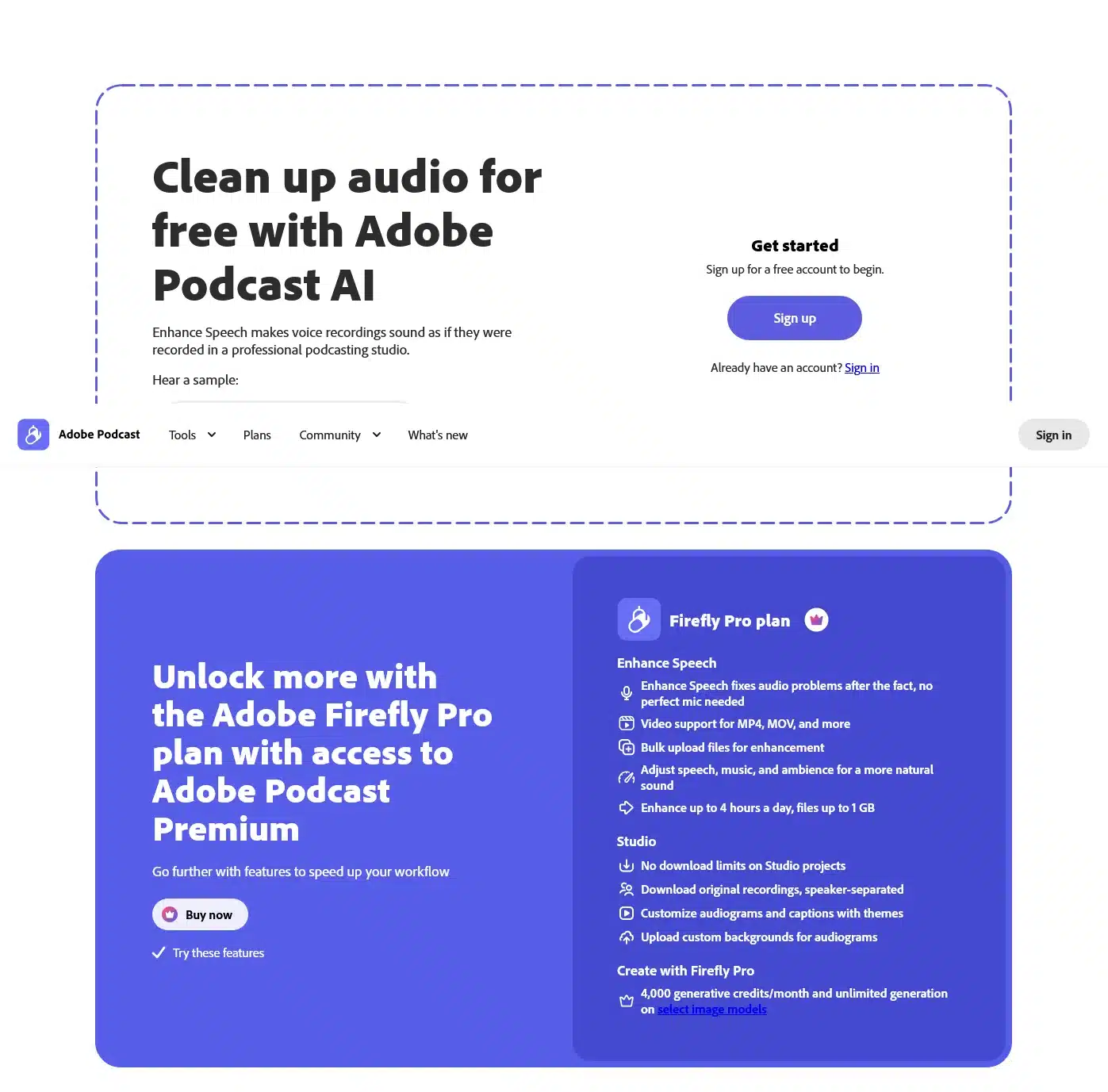
Best for: Transforming cheap smartphone microphones into broadcast-quality sound.
If you narrate your own videos but don’t have an acoustic booth or expensive gear, Adobe Podcast Audio Enhancer is indispensable.
Upload raw phone recordings, and the AI algorithm automatically strips room reverberation, air conditioner hum, and background noise, leaving crisp studio vocal clarity.
High-Quality AI Art Generators (and Workarounds)
Visual assets are vital for storytime backgrounds, social graphics, and digital downloads.
You can tap into top-tier generation models without paying subscription fees by utilizing these built-in integrations:
9. Microsoft Designer Image Creator
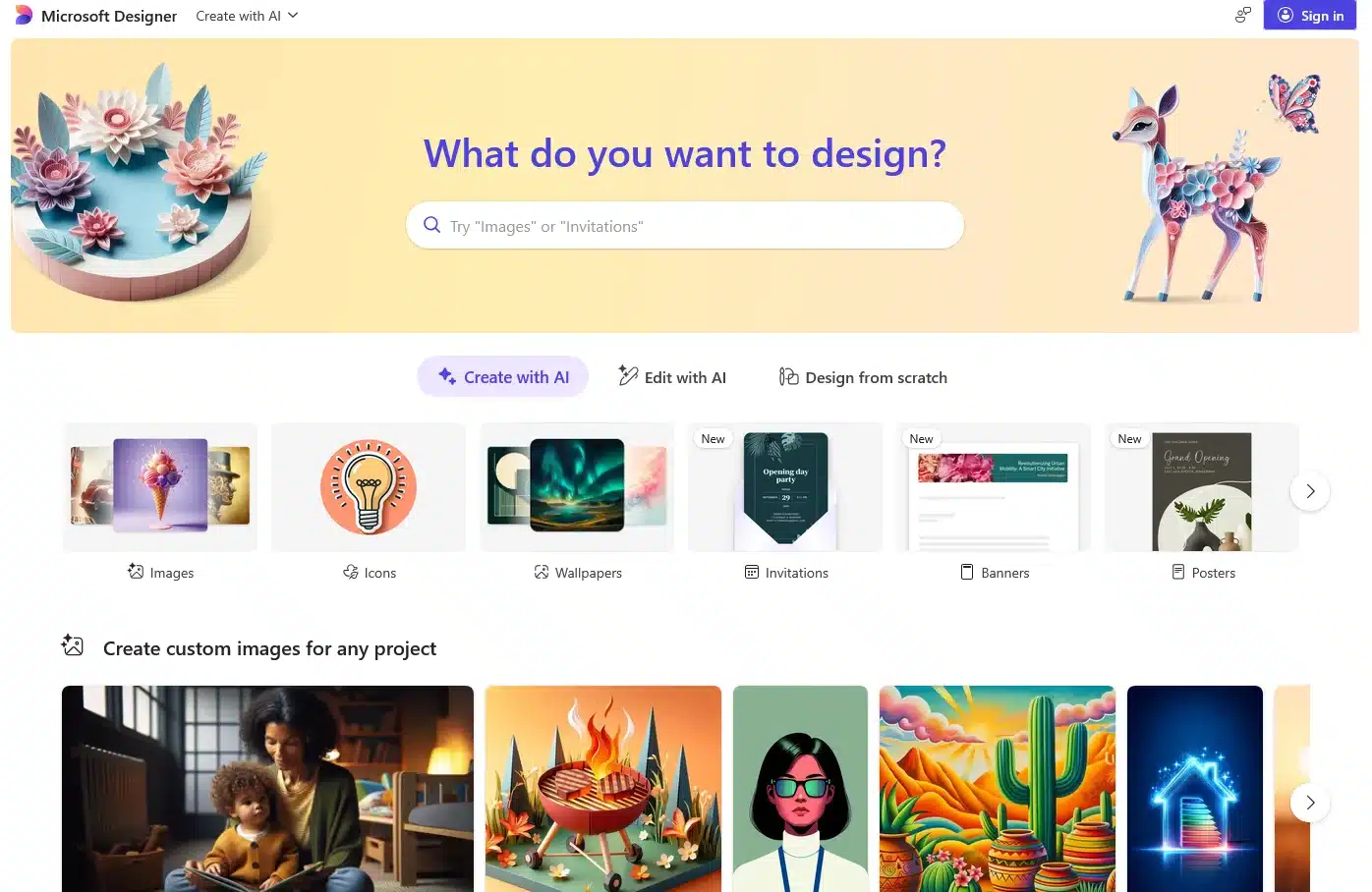
Best for: Free, direct access to OpenAI’s DALL-E model with fast rendering boosts.
Microsoft has integrated DALL-E directly into Microsoft Designer. Many digital sellers prefer Microsoft’s styling over default raw prompts.
You receive 15 boosted fast-generation credits daily; once used, you can continue generating in standard queues without paying.
10. Canva (DALL-E Integration)
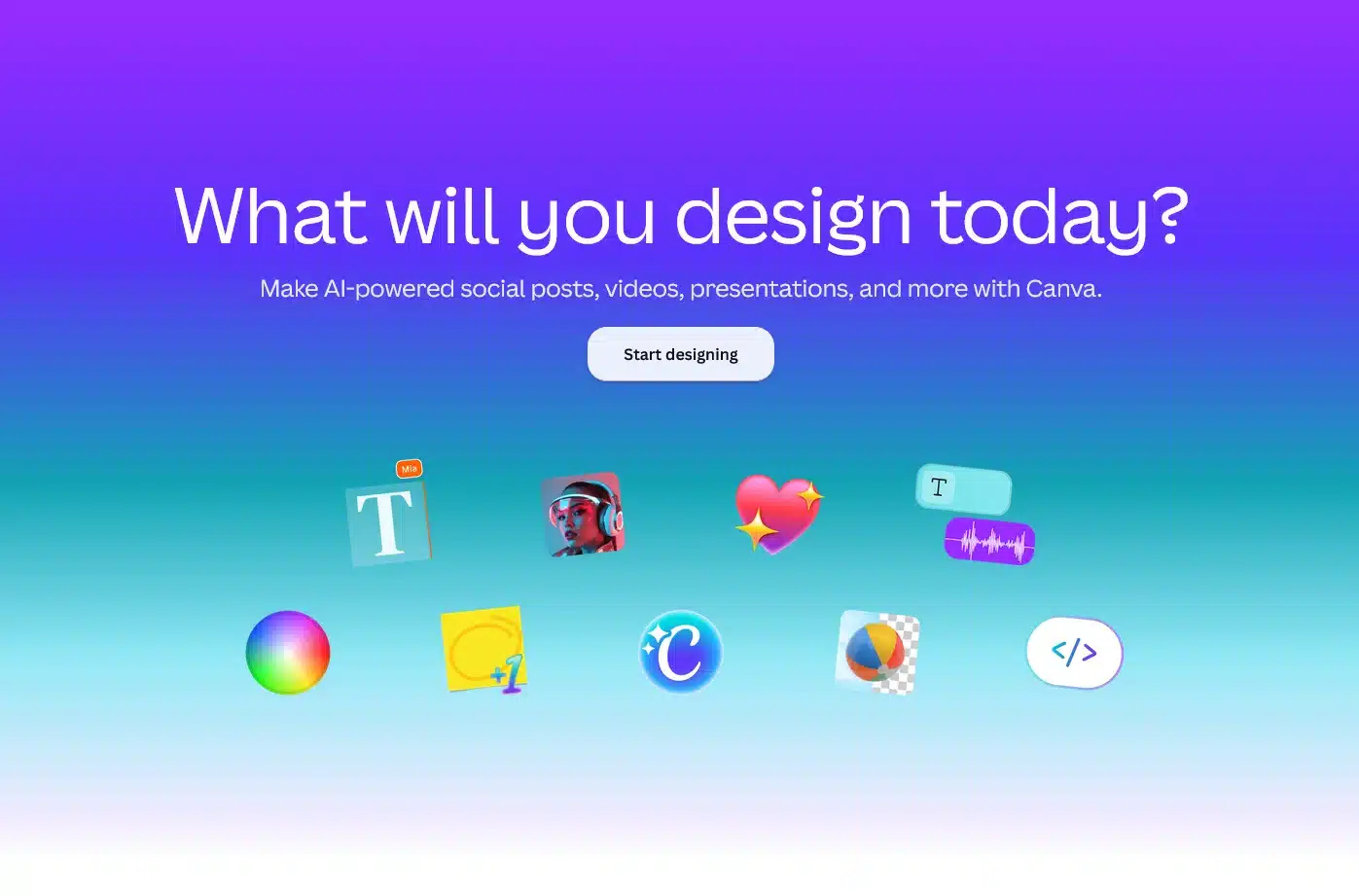
Best for: Direct in-editor asset creation with verified commercial usage rights.
If you already rely on Canva for everyday graphic design, navigate to the “Apps” sidebar and search for DALL-E.
Free accounts receive 25 free generations monthly that drop immediately onto your canvas, making it one of the most practical free tools for bloggers and printable designers.
11. Stable Diffusion (Web UI)
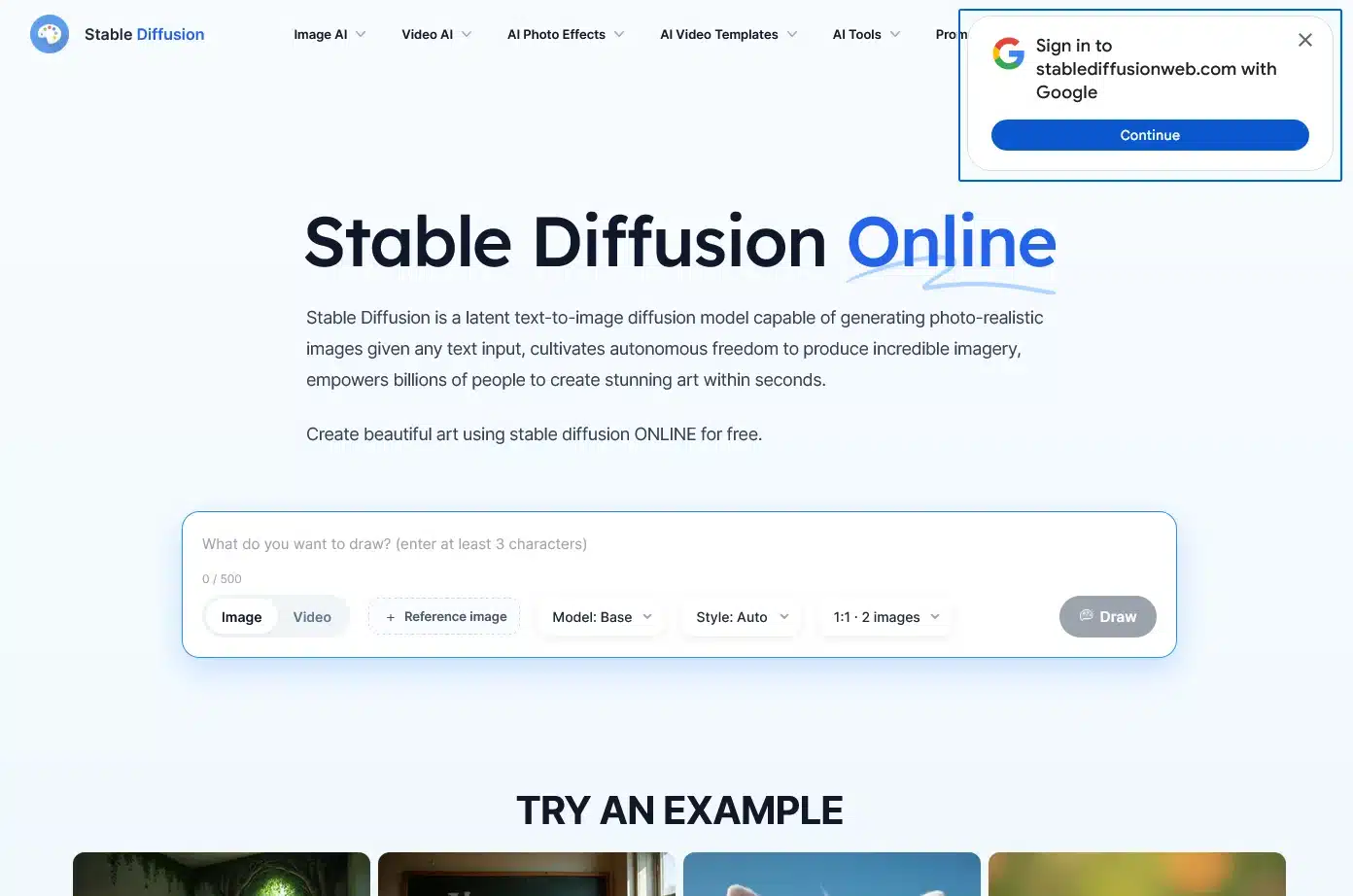
Best for: Total creative freedom without censorship or usage limits on local GPUs.
Stable Diffusion remains the standard for creators who want zero content filtering and zero monthly fees.
By running Automatic1111 or ComfyUI locally via GitHub, you can produce unlimited commercial assets if your computer has a modern graphics card.
12. Replicate (SwinIR Upscaler)
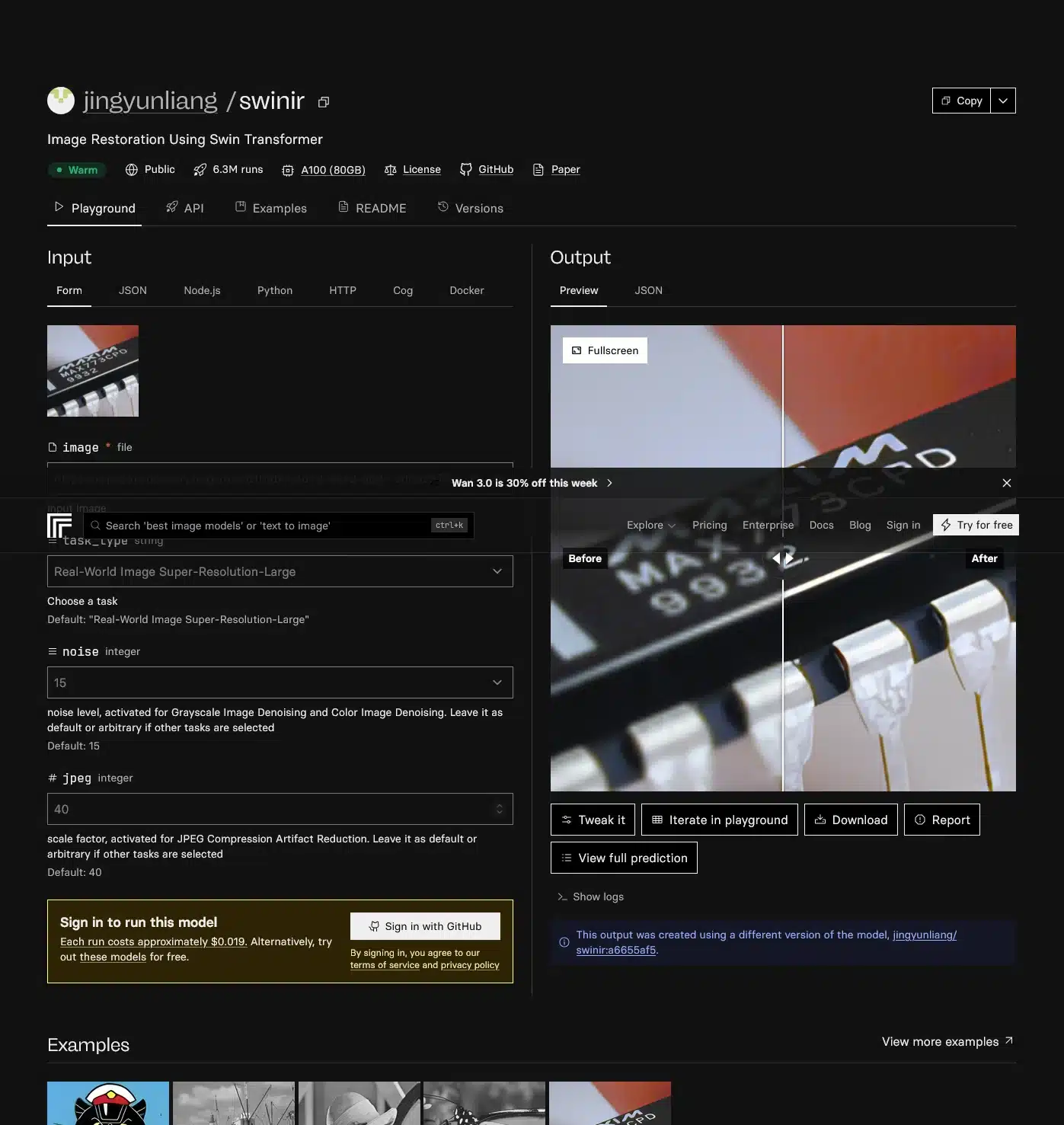
Best for: Upscaling low-resolution AI generations into crisp, print-ready files.
Free AI tools usually produce 512px or 1024px images that look blurry in 4K videos or print files.
Use SwinIR hosted on Replicate to expand small graphics into crisp, high-DPI assets in seconds without losing edge sharpness.
13. Canva Magic Media (Runway Integration)
Best for: Free cinematic B-roll clips generated directly from text prompts.
Runway Gen-2 creates industry-leading cinematic text-to-video footage, but its standalone credits run out quickly.
Inside Canva’s Magic Media app, you get 50 free video generations per month powered by Runway to enhance your YouTube video pacing at zero cost.
The “Cross-Idea” Print-on-Demand Strategy
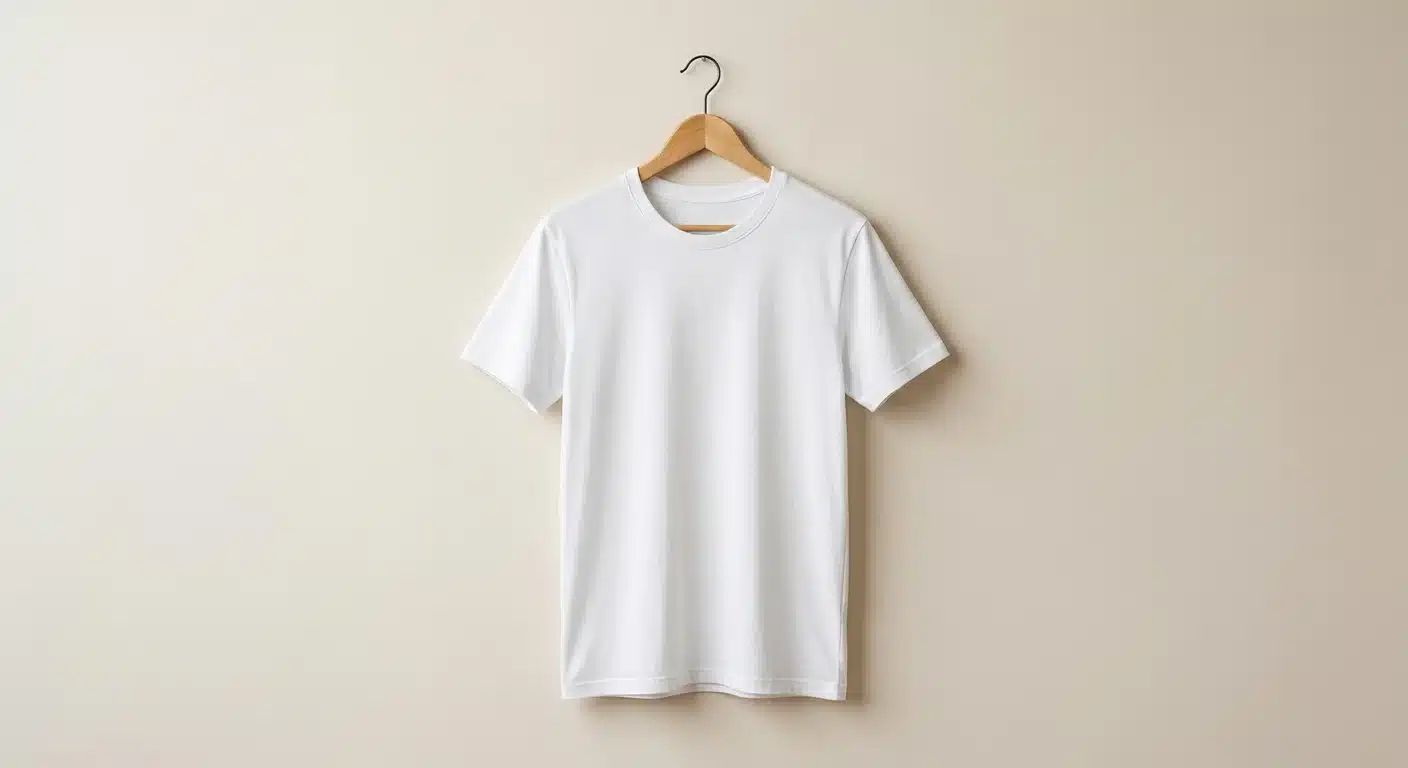
Beyond digital media, AI simplifies physical eCommerce. If you are brand new to physical merch, our guide to print-on-demand for beginners breaks down the exact mechanics.
A proven tactic is locating bestselling witty concepts on Etsy and applying cross-niche concept transfers.
For example, a shirt playing on the double-meaning of “playing with blocks” (mechanics working on engine blocks rather than toy blocks) generated 10 sales in 24 hours ($170 gross).
You can feed that core linguistic hook into AI to spin off new winner ideas:
14. ChatGPT, Gemini, & Copilot

Best for: Rapid slogan brainstorming, niche transposition, and SEO listing copywriting.
Ask any major free chatbot to analyze a winning pun formula across different hobbies. For example:
- For Teachers: “Still plays with markers”
- For Gardeners: “Still plays in the dirt”
- For Programmers: “Still plays with puzzles”
15. Canva & Printify Stack
Best for: Zero-inventory product design, automated order fulfillment, and seamless shop syncing.
- Design: Use Canva’s typography tools to format the slogan cleanly with high-contrast text.
- Product creation: Upload the PNG to Printify and position it on a Bella+Canvas 3001 or Comfort Colors t-shirt.
- Launch: Connect Printify directly to your Etsy shop. When an order arrives, Printify automatically prints, packages, and ships it directly to the customer while you retain the retail spread.
Quick Summary: Free AI Stack by Use Case
| Business Model | Primary Free Tools | Earning Potential |
|---|---|---|
| Virtual Influencer | Fooocus, Fanvue, Viggle | $1,000–$10,000+/mo |
| Faceless Video Channels | ElevenLabs, VEED, Adobe Podcast | $650+/day with viral reach |
| AI Digital Art & Prints | MS Designer, Canva DALL-E, SwinIR | $200–$2,000/mo |
| Print-on-Demand Apparel | ChatGPT, Canva, Printify | $500–$5,000+/mo |
Conclusion: The Real Competitive Advantage
The barrier to entry for starting a profitable online business has officially collapsed.
With these 15 free AI tools, you can script narratives, engineer photorealistic characters, clone voices, edit high-definition video, and launch a complete apparel line without spending a single dollar out of pocket.
The bottleneck is no longer software access—it is your ability to pick one specific distribution vehicle, publish consistently, and build an audience.
As your traffic grows, following our email list building guide will ensure you own your audience data permanently instead of renting it from third-party social algorithms.
Your 3-day action blueprint
- Day 1: Select one model from the table above and install or sign up for its primary 3 free tools.
- Day 2: Produce your first 3 assets (whether 3 video scripts, 3 character poses, or 3 t-shirt slogans).
- Day 3: Publish all 3 on your chosen platform, track audience feedback, and refine your prompts.
Which AI tool are you going to test first? Leave a comment below and let us know which side hustle you’re launching!
More Digital Income Guides to Read Next
If you found this breakdown valuable, check out our other step-by-step guides to growing an online income:
- Explore 21 faceless business ideas that actually work for busy moms.
- Read our beginner’s guide to print-on-demand for beginners.
- Discover reliable passive income ideas that actually work in 2026.
- Build your organic traffic pipeline with our Pinterest strategy for beginners.
- Check out our roundup of the best free tools for bloggers and content creators.
- Start capturing leads with our comprehensive email list building guide.
Want 200+ extra income blueprints? Download our free “200 Ideas to Generate Extra Income” checklist → Get fresh AI tool tutorials, digital product workflows, and monetization playbooks delivered every week.