A lot of people use Claude AI like a search engine. They ask it a question, copy the answer, and close the tab.
Claude can help you research, outline, write, and refine digital products that people already buy.
If you want to see how AI fits into a bigger earning strategy, our guide on how to make money with AI is a good place to start.
The opportunity is not the AI itself. It is using Claude to test more useful products, faster.
Below are four ways to make money with Claude AI that do not require coding skills, a big audience, or years of experience.
Each one comes with Etsy listing examples and estimated revenue so you can see what similar products may be earning, plus a step-by-step process to get started.
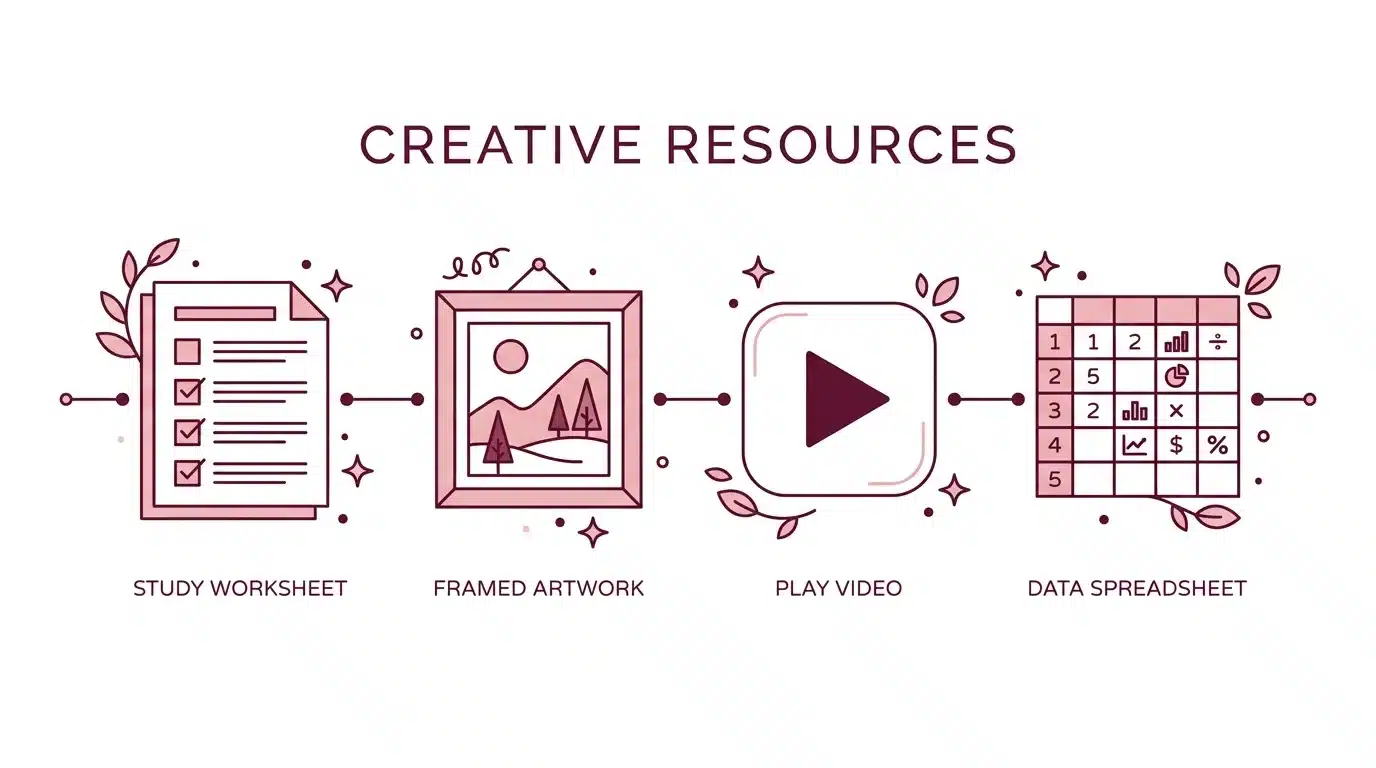
Quick answer: Want the fastest launch? Start with microdigital worksheets on Etsy. Prefer visual work? Try printable wall art. Comfortable waiting for an audience? A faceless YouTube channel can pay off over time. Love systems and formulas? Spreadsheet templates might be your best fit.
Here’s what we’re covering:
- A quick note on the numbers below
- Which method fits you
- Why Claude works so well for side hustles
- 1. Microdigital worksheets you can launch quickly
- 2. Printable wall art with Etsy demand
- 3. Faceless YouTube channels without showing your face
- 4. Spreadsheet templates people pay for
- Validate before you build
- Common mistakes to avoid
- Frequently asked questions
- Final thoughts
Ready to see how each method works? Here’s the complete breakdown, from worksheets and wall art to faceless YouTube and spreadsheet templates.
A Quick Note on the Numbers Below
The sales and revenue figures in this post come from publicly visible Etsy shop and listing data. They are estimated gross revenue, calculated from reported sale counts and listed prices, not verified profit.
Every example follows the same formula: estimated gross revenue equals estimated sales multiplied by the listed price. Any figure that does not fit that formula is noted.
Etsy does not publish exact seller earnings, so treat every number here as a rough signal of marketplace demand, not a forecast of what you will personally earn.
Your results depend on your niche, your execution, and how well you market the finished product.
These are Etsy listing examples rather than independently audited case studies, and individual shops are not named.
Which Method Fits You
Not sure where to begin? Walk through this quick guide to find the method that matches your strengths.
If you are exploring other passive income ideas that actually work, these four methods are a great place to start.
- Want the fastest launch? Start with worksheets.
- Prefer visual work to writing? Try wall art.
- Comfortable waiting for an audience to build? A YouTube channel can pay off over time.
- Love systems and formulas more than design? Spreadsheet templates might be your best fit.
Why Claude Works So Well for Side Hustles
Claude is especially useful for turning rough ideas into structured work. Give it a topic and it can outline a workbook, write a script, or map out a spreadsheet in minutes.
Writing and planning can be major bottlenecks when you build a digital product, and Claude removes a lot of that friction.
Claude speeds up research, planning, and production. It does not replace quality control, good design, marketing, or the harder job of finding something people actually want.
Good to know: Claude is a tool that speeds up the building process. The real work — finding a buyer problem, designing something worth paying for, and marketing it — still falls on you.
1. Microdigital Worksheets You Can Launch Quickly
Best for: Beginners who want their first digital product live quickly.
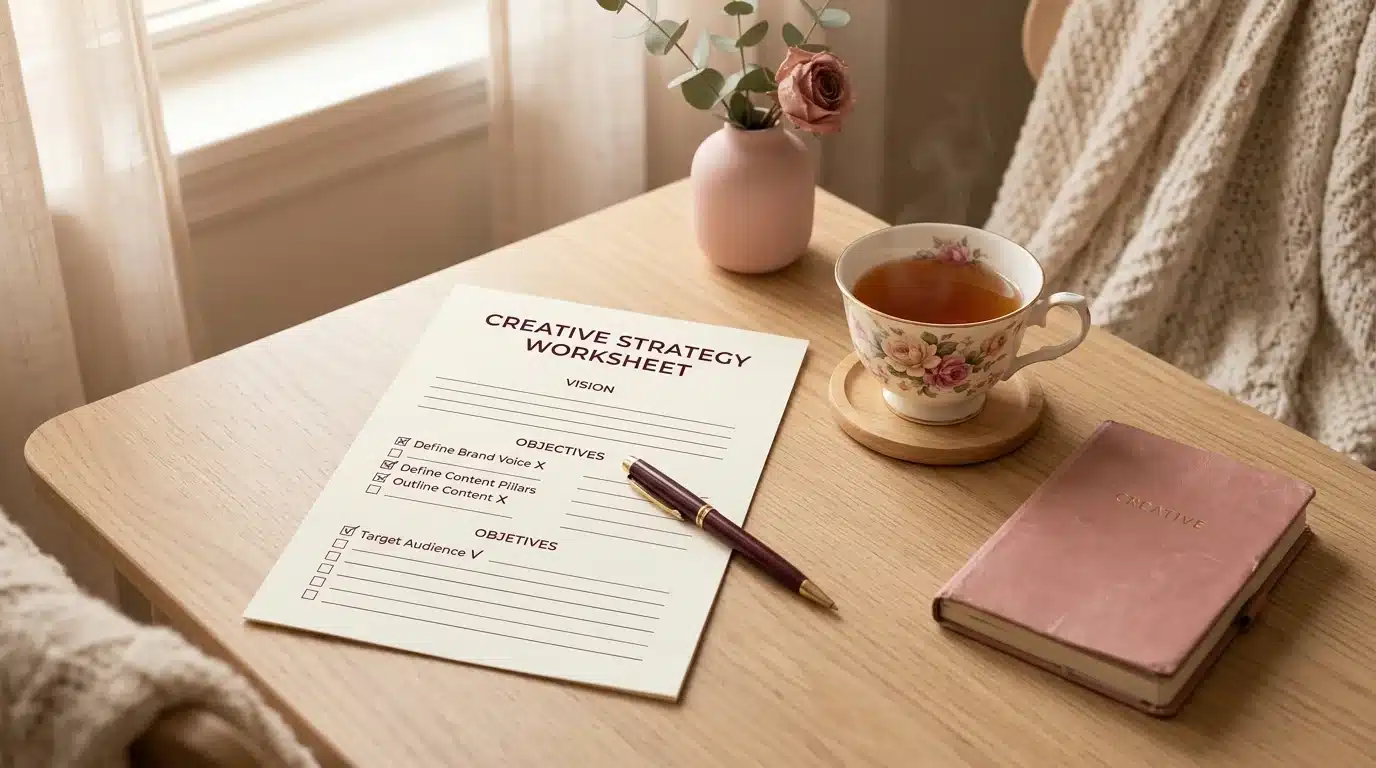
Microdigital worksheets are short, focused digital printables that solve one specific problem.
Think a new manager’s guide to running a first one-on-one, a simple business launch checklist, or a self-reflection journal.
A worksheet for “new managers preparing for their first one-on-one” is much easier to position than a generic “productivity workbook.”
The winning angle is specificity. For more ideas on what sells well, check out our list of best-selling digital products on Etsy.
Customers get instant results here. They buy, download, and print in minutes, which is part of the appeal. Etsy also gives sellers access to a large existing pool of shoppers.
What the Marketplace Data Suggests
| Product | Est. Monthly Sales | Est. Monthly Revenue | Notes |
|---|---|---|---|
| Therapy-adjacent worksheet bundle | ~32 sales/mo | ~$1,100/mo | ~$82,000 cumulative gross over 3 years |
| 27-page self-sabotage worksheet | ~21 sales/mo | ~$200/mo | — |
| ADHD-focused worksheet ($3.50) | ~40 sales/mo | ~$140/mo | — |
Important: For mental-health-adjacent topics, keep the product educational and self-reflective unless you have appropriate clinical credentials.
Never market an AI-generated worksheet as therapy, diagnosis, or professional treatment. Review Etsy’s policies on health and wellness content before publishing.
How to Build It
- Prompt Claude — give it the topic, target reader, tone, and desired page count. For example, try “Create a 25-page YouTube Channel Launch Kit for beginners.”
- Let Claude draft — it will write out the exercises, prompts, and page structure for the full workbook.
- Quality-check everything — test every exercise yourself. Remove repetitive filler, fact-check factual claims, and make sure each exercise produces a useful, specific outcome.
- Design in Canva — move the finished content into Canva. Expect to spend at least 30 minutes aligning text and cleaning up the layout.
- Publish on Etsy — export the file as a PDF and list it. Price it based on comparable products, the depth of the workbook, and the value of the outcome, using $5 to $20 as a useful starting range.
| Tools you need | Claude, Canva, an Etsy shop |
| Time to launch | A few hours to a couple of days for your first version |
| Time to first revenue | Varies widely — some sellers get their first sale within a week, others need to test several listings first |
Section takeaway: Worksheets are the fastest path from idea to live listing. Start narrow, solve one clear problem, and iterate from there.
2. Printable Wall Art With Etsy Demand
Best for: People who enjoy visual work but do not want to learn Photoshop or hand illustration.
Printable wall art means customers buy a digital image file, download it, print it at home or at a shop, and frame it.
You do not need formal art training to test this model, but you do need a good eye for composition, consistency, and what buyers want.

What the Marketplace Data Suggests
| Product | Price | Est. Monthly Sales | Est. Monthly Revenue |
|---|---|---|---|
| Minimalist pink tulip painting | $6.00 | ~24 sales/mo | ~$144/mo |
| 100 nature prints bundle | $11.20 | ~46 sales/mo | ~$515/mo |
| Nursery wall art set | $11.76 | ~142 sales/mo | ~$1,670/mo |
How to Build It
- Study the market — look at several successful listings in a category you like. Spot broad patterns such as subject, composition, palette, and buyer intent, without copying any seller’s specific work.
- Create prompts with Claude — ask Claude to turn those patterns into six image prompts for an AI image generator such as Midjourney, built around your own concept, composition, and visual direction.
- Generate the images — run those prompts through your image generator to create the actual artwork.
- Check the fine print — before selling, verify Midjourney’s commercial terms and Etsy’s Creativity Standards and AI-disclosure requirements.
- Resize for standard frames — ask Claude to help you create a simple cropping workflow so you can quickly resize each print into standard sizes such as 8×10, 16×20, and 24×36.
- Mockup and list — buy a few affordable mockup templates with commercial-use rights, place your art inside them, and use the mockups as listing photos.
| Tools you need | Claude, an AI image generator such as Midjourney, a licensed mockup template |
| Time to launch | A few days once you have a direction you like |
| Time to first revenue | Depends heavily on how saturated your chosen style is and how strong your listing photos are |
Section takeaway: Printable wall art has strong demand, but your listing photos and niche choice matter more than the art itself.
3. Faceless YouTube Channels Without Showing Your Face
Best for: People who are comfortable with a longer timeline before their first payout.
A faceless YouTube channel pairs a strong voiceover with B-roll, illustrations, or AI-generated visuals.
No camera, no on-screen talent, just a good script and solid pacing. If this sounds interesting, our full guide to faceless business ideas covers even more options.
Some storytelling and history channels using AI-assisted visuals have generated more than a million views on individual videos.
Views are not the same as income, though. YouTube has eligibility requirements, and repetitive or low-value AI content can create monetization problems even when it gets views.
AI-assisted content can be published on YouTube, but originality, viewer value, disclosure, and YouTube’s policy on AI-generated content still matter.

How to Build It
- Brainstorm with Claude — ask Claude to generate video ideas inside a specific niche, like short mini-documentaries or bedtime storytelling.
- Write the script — use Claude as a writing partner. Give it specific feedback on tone, pacing, structure, and weak sections until the script feels right.
- Create visual prompts — ask Claude to turn each script section into a visual prompt that supports the story while keeping the imagery consistent.
- Generate visuals — feed those prompts into an AI video generator, or generate still images through Midjourney instead.
- Record your voiceover — if you are comfortable doing so, record your own voice. A real voice can make the channel feel more personal and distinctive.
- Edit and upload — edit the audio and visuals together and publish.
| Tools you need | Claude, an AI image or video generator, basic video editing software |
| Time to launch | A week or more for your first polished video, including scripting and editing |
| Time to first revenue | Often the slowest — you need to build an audience and meet YouTube’s eligibility requirements first |
Section takeaway: Faceless YouTube has huge upside, but it is the slowest method here to monetize. Treat it as a long-term play.
4. Spreadsheet Templates People Pay For
Best for: Detail-oriented people who like organizing systems more than design work.
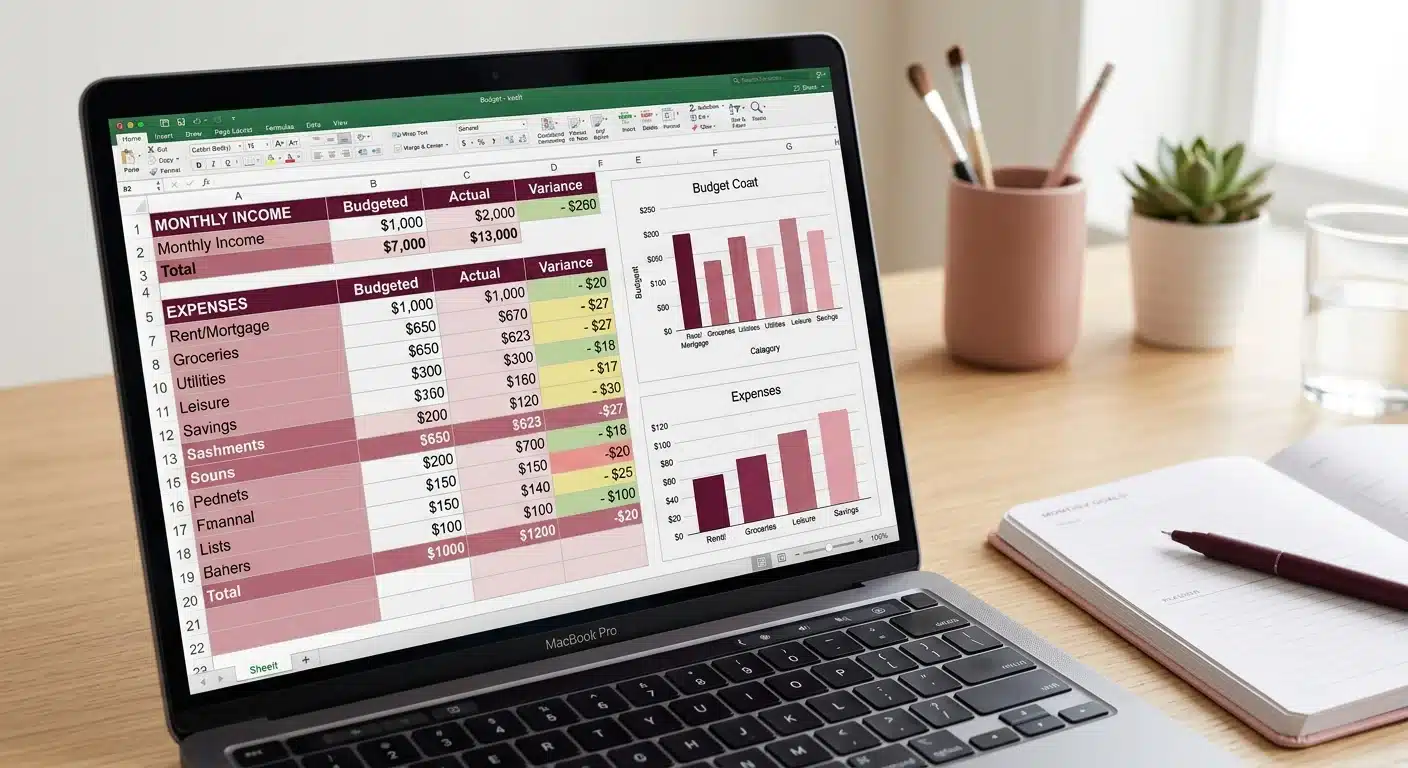
Spreadsheet templates are not exciting, but they solve a problem a lot of people have. People want an easy way to track a budget, plan content, or organize a wedding without building the formulas themselves.
What the Marketplace Data Suggests
| Product | Price | Est. Monthly Sales | Est. Monthly Revenue |
|---|---|---|---|
| Budget tracker | $10.70 | ~808 sales/mo | ~$8,600/mo |
| Minimalist budget spreadsheet | $0.99 | ~1,800 sales/mo | ~$1,780/mo |
| Social media content planner | $4.00 | ~51 sales/mo | ~$200/mo |
How to Build It
- Define the specs with Claude — tell Claude exactly what the spreadsheet needs to do. Describe the tabs, the categories, and any calculations like totals or rollups.
- Build the structure — create it in Google Sheets yourself, or use Claude’s available integrations to speed up the process.
- Stress-test the formulas — test with real-world scenarios such as blank cells, refunds, negative numbers, new months, missing data, and unusually large values.
- Polish the design — once the formulas pass your tests, apply a clean color palette and lock formula cells so buyers cannot accidentally overwrite them.
- List and iterate — list the template on Etsy, then keep improving the listing and product as you learn what buyers actually want.
| Tools you need | Claude, Google Sheets |
| Time to launch | A day or two for a solid first version |
| Time to first revenue | Often the quickest to test — a working template needs less design polish than art or worksheets |
Section takeaway: Spreadsheets are unglamorous but high-demand. If you enjoy building systems, this is your fastest path to revenue.
Validate Before You Build
One of the highest-value steps happens before you write a single page. That step is validating the problem.
Search Etsy for the problem you want to solve and read the reviews on competing listings. Look for complaints and gaps buyers mention.
Build one small product around a clear opportunity, then use early sales and customer questions to decide what to build next.
Pro Tip: Don’t just count sales on competing listings. Read the one- and two-star reviews. That’s where buyers tell you exactly what’s missing — and that gap is your product idea.
Common Mistakes to Avoid
Before you launch, watch out for these pitfalls that trip up most new sellers.
- Choosing a product before researching the marketplace. Search first so you know what buyers are already purchasing and where competing listings leave gaps.
- Copying instead of finding a sharper angle. A different color palette rarely creates a meaningful advantage. Find a sharper problem, audience, format, or outcome instead, such as a zero-based budget planner built for freelance designers rather than a generic budget planner.
- Pricing to be the cheapest listing. Price based on the product’s value, depth, and alternatives. Test an introductory price if you need early sales and reviews, then adjust based on buyer response.
- Relying on a single listing. One product is a test, not a business. Once you learn what sells, plan to publish a small portfolio of related listings.
- Treating these numbers as a forecast. The Etsy estimates suggest that buyers are spending money in these categories. They are not a forecast of what your specific listing will earn.
- Building your whole business on one platform. Treat Etsy and YouTube as distribution channels, not your entire business. Keep backups of your products and build an email list or another audience you control. If you are looking for diversification ideas, explore these tech side hustles as well.
Frequently Asked Questions
Do I need any design or coding skills to start?
You can start without formal design or coding experience. You will still need to learn basic layout, quality control, marketplace research, and listing and marketing skills.
Which method makes money the fastest?
No method reliably makes money the fastest. Worksheets may be the fastest to launch, but niche, product quality, listing quality, and existing audience often matter more than production speed.
Is it okay to sell AI-generated products on Etsy?
Etsy permits certain AI-assisted and AI-generated products, but requirements vary by product and can change. Check Etsy’s current Creativity Standards and AI-disclosure requirements before publishing.
How much does it cost to get started?
Costs vary by method. You can validate a worksheet or spreadsheet idea with little upfront cost, while wall art and video become more expensive as you add generation, design, editing, and platform tools.
Can I do more than one of these at the same time?
You can, but it is usually smarter to master one method first. Once you have a repeatable process for researching, building, listing, and improving a product, adding a second method becomes easier.
Final Thoughts
The advantage of Claude is leverage. Faster research, faster drafting, and faster iteration give you more time to find a real buyer problem and improve the product.
The listings generating the strongest estimated revenue above did not launch overnight. They started with one worksheet, one print, one video, or one spreadsheet, and grew from there.
Your 7-day action plan
- Tonight: Pick one method.
- Tomorrow: Research ten competing listings.
- Day three: Choose one narrow buyer problem and define the product.
- Days four through seven: Build, publish, and collect your first real feedback.
Which one would you test first — worksheets, wall art, YouTube, or spreadsheet templates?
If these ideas sparked something for you, check out our lists of realistic passive income ideas for women for even more ways to earn on your own terms.
More Ways to Make Money From Home
If making money with Claude AI got you thinking about other income ideas, here are a few guides worth reading next.
- See how people are using AI to build income streams in our make money with AI guide.
- Find out which best-selling digital products on Etsy are worth creating next.
- Explore faceless business ideas that work for busy moms.
- Browse our full list of passive income ideas that actually work in 2026.
- Discover realistic passive income ideas for women.
- Tech side hustles that can earn you extra money in 2026.
Enjoyed this guide? Subscribe for our free weekly side hustle roundup → New AI tools, Etsy strategies, and passive income ideas, straight to your inbox.